Dashboard & UI animation for marketing
Whether you need a dashboard animation for analytics, fintech, or internal tools, Renimate turns flat UI into short, credible motion. Ideal when you need an animated UI video generator that respects real product surfaces—not illustrated mocks.
The Challenge: Flat UI Fails to Engage
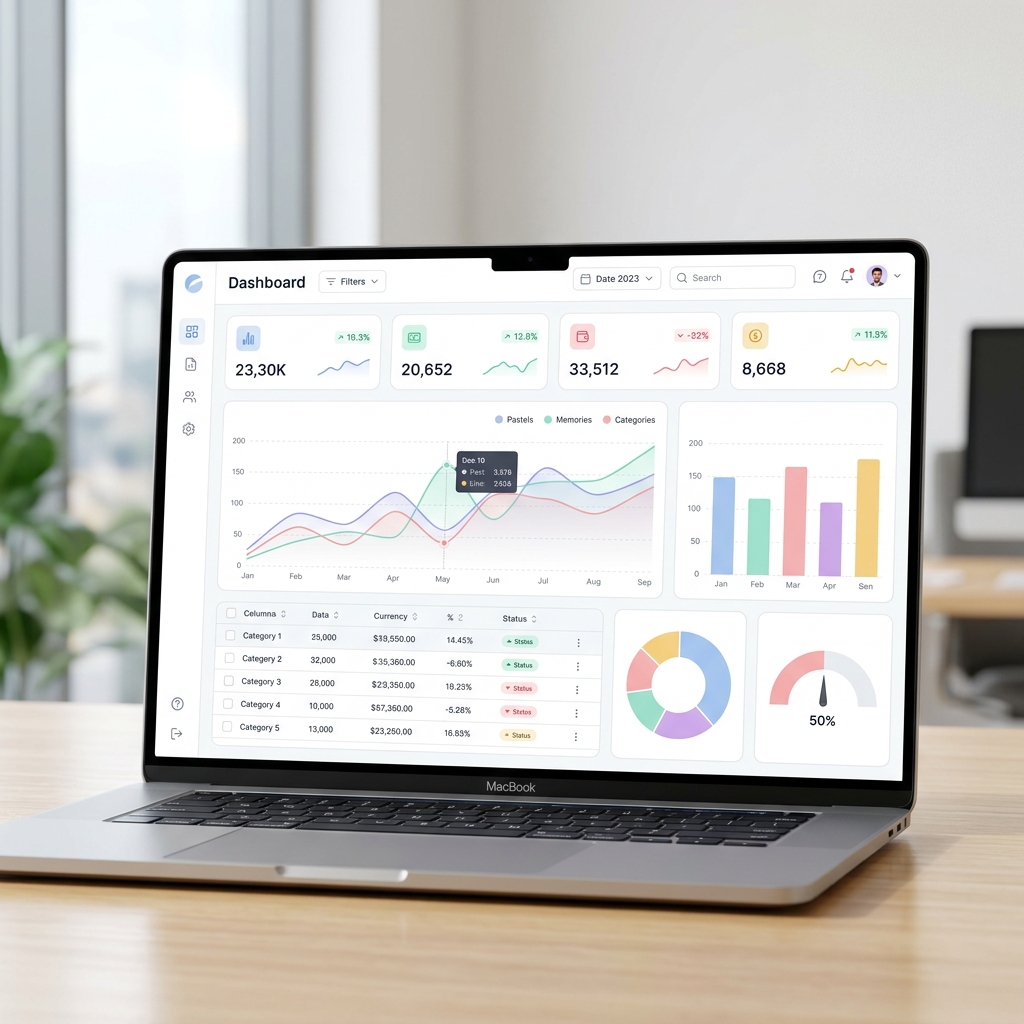
Marketing teams use dashboard shots to prove depth and data, but static images fail to guide the viewer's eye. Renimate adds motion that naturally highlights filters, drill-downs, and KPI callouts—without the need to rebuild your product in After Effects.
- Screenshot-first workflows for real product chrome
- Motion that tracks panels and metrics readers expect
- Fast iteration when the product UI changes
The Solution: From Screenshot to Story
Attach the frames that matter. Describe the persona and the 'aha' moment. Renimate aligns pacing so the complex dashboard reads as intuitive and structured, rather than chaotic and overwhelming.
Key Capabilities for Data Stories
When you also need to highlight specific metrics from CSV or spreadsheets, pair UI animations with our chart animation workflows. This ensures your metrics and interface feel like one cohesive narrative.
How It Works: Bring Data to Life
Upload your complex dashboard screenshot and tell Renimate which charts or metrics to highlight. The AI engine applies localized zooming, highlights data points, and animates the UI components to guide the viewer's eye exactly where you want it.
Who Should Use This
Data analysts, B2B marketers, and fintech companies who need to make their dense analytics interfaces look dynamic, approachable, and impressive in marketing materials.
Questions
How do I animate a dashboard screenshot?
Upload screenshots of the flows you want to highlight, describe the story and what to emphasize, then refine in chat. Renimate generates motion that treats your UI as the source of truth.
Is this only for analytics dashboards?
No—any complex UI benefits: CRM, HR, devtools, or operations. The same workflow works when the value is in the interface itself.
Can I match dark mode or dense UIs?
Yes—prompts can call out theme, density, and what to blur or emphasize so the motion stays readable on small screens.
Ready to try it yourself?
Start building your next marketing video in minutes. Describe your goal, attach your assets, and let AI handle the motion.
Generate your videoRelated blog posts
How to animate a dashboard screenshot for marketing
A practical workflow: from static analytics UI to short motion for landing pages and social—without rebuilding your product in After Effects.
Read articleThe hidden costs of hiring a motion design agency
A breakdown of what you actually pay for when outsourcing your SaaS product videos, and how to bring motion design in-house.
Read articleHow to make a product demo video that actually converts
Step-by-step guide to writing, animating, and distributing product demos that drive signups instead of bounces.
Read article