Screen recording to polished video
Raw screen recordings are proof of product, but they rarely sell. Renimate takes your Loom-style captures and transforms them into polished, paced marketing videos—with AI that adds motion, cleans transitions, and structures the narrative for SaaS, web apps, and mobile apps.
The Challenge: Raw Captures Lack Polish
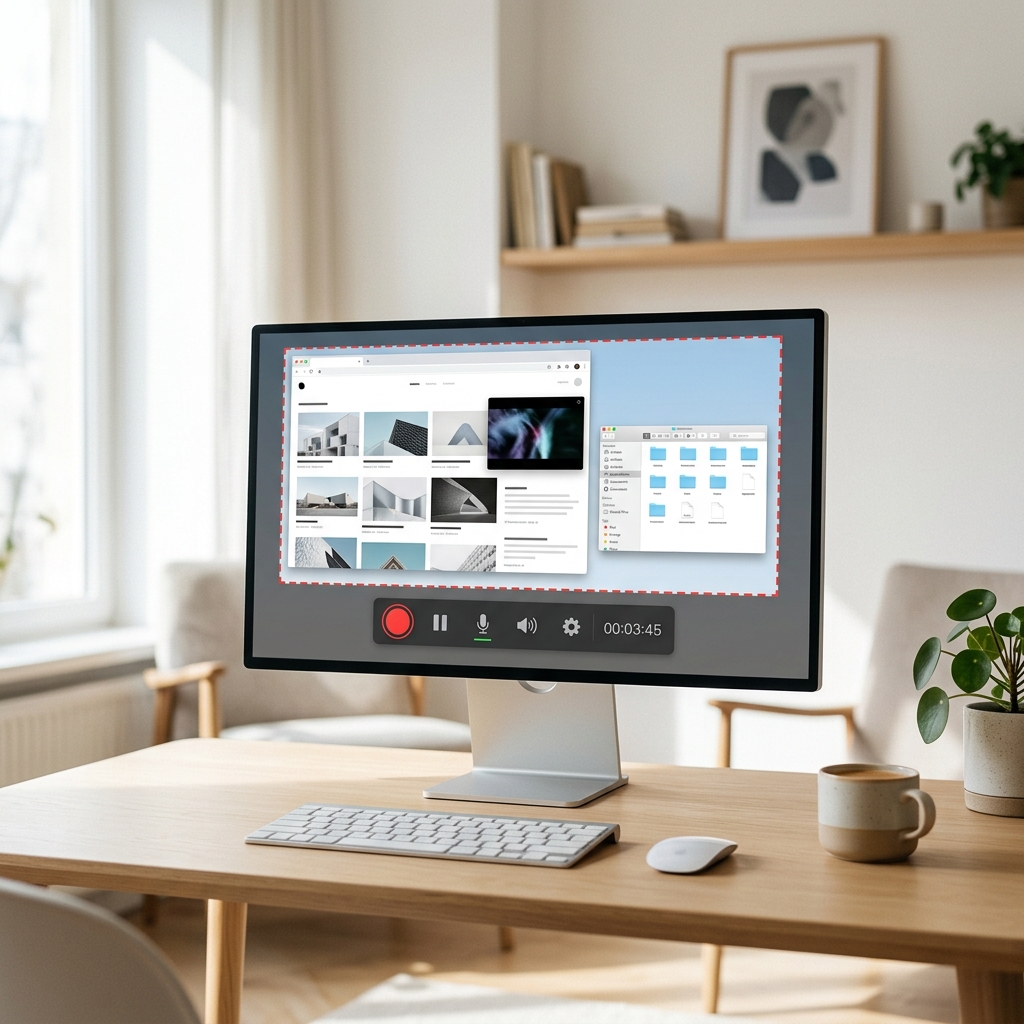
Screen recordings are the fastest way to show what your product does. But shaky scrolling, dead time, and missing context make them unfit for high-converting landing pages. Renimate trims dead frames, stabilizes pacing, and adds professional motion—keeping your real product front and center.
- Upload any screen recording—desktop, mobile, or tablet capture
- AI auto-detects UI elements and adds motion emphasis
- Export polished MP4 for landing pages, ads, and onboarding
The Solution: No Editing Timeline Required
Describe what to emphasize in chat. Renimate handles the cuts, transitions, and pacing automatically. When your product UI changes, re-upload and regenerate—no timeline surgery required.
Key Capabilities Across Devices
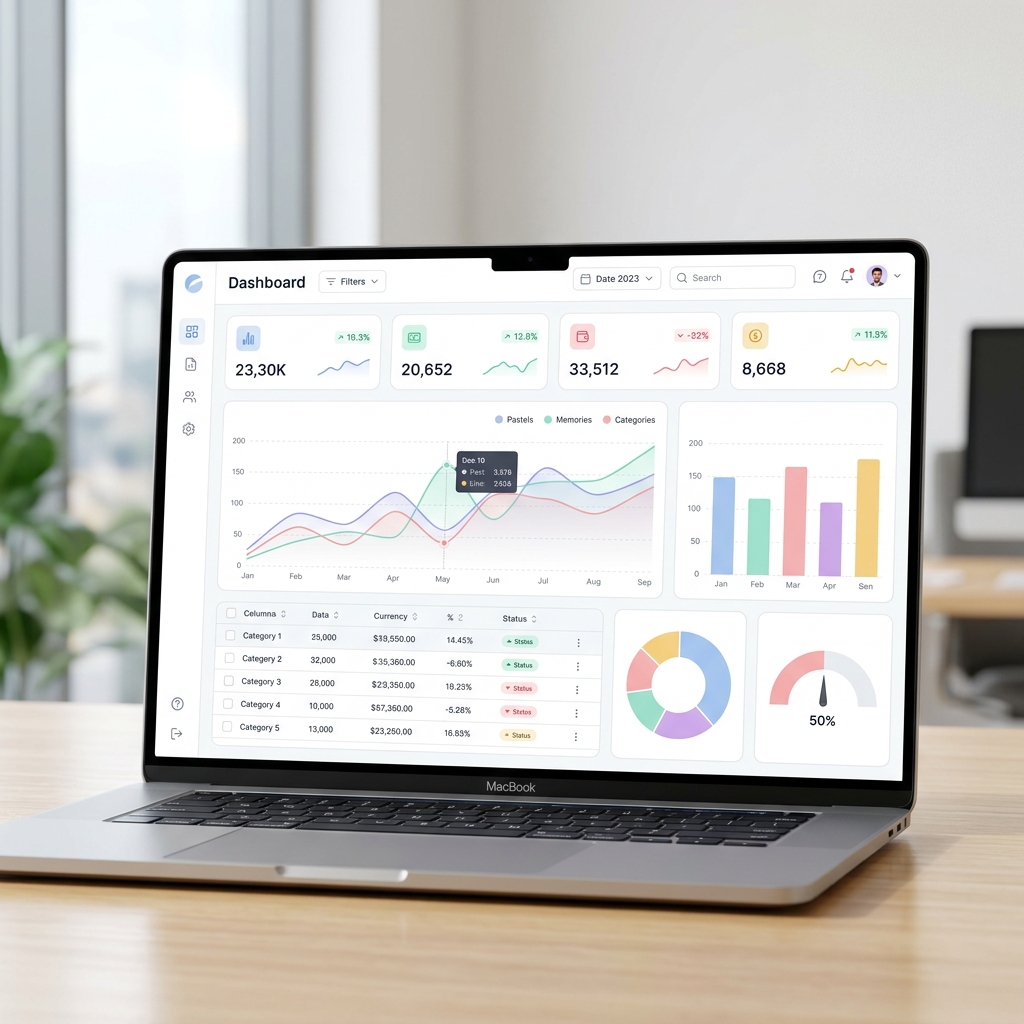
Whether you are recording a desktop dashboard, a responsive web app, or a mobile flow on iOS or Android, Renimate respects device chrome and screen dimensions to output clean, professional motion.
How It Works: Elevate Your Captures
Record your screen using any standard tool. Drop the raw file into Renimate and specify your desired aspect ratio. The AI will analyze the video, cut out dead space, apply smooth zooming and panning to follow the cursor, and output a crisp, professional MP4.
Who Should Use This
Customer success teams creating help center content, developer advocates producing quick tutorials, and marketers turning raw product footage into polished social media posts.
Questions
What screen recording formats are supported?
Upload common formats like MP4, MOV, or WebM captures from any screen recording tool. Renimate handles the rest.
Can I record mobile app flows?
Yes. Record your iOS or Android app flow and upload. Renimate respects mobile aspect ratios and adds motion that makes the app look polished.
How is this different from just editing in iMovie or Premiere?
Renimate is AI-first: you describe what to emphasize in chat, and the tool handles cuts, transitions, and motion automatically. No timeline, no keyframes—just polished output from raw capture.
Ready to try it yourself?
Start building your next marketing video in minutes. Describe your goal, attach your assets, and let AI handle the motion.
Generate your videoRelated blog posts
Product demo video examples for SaaS (and what they share)
See the top patterns from strong B2B demos + how to create your own product demo videos without an edit suite.
Read articleBest video format for a SaaS landing page
Length, aspect ratio, autoplay etiquette, and what to put above the fold when your goal is signup or demo requests.
Read articleThe hidden costs of hiring a motion design agency
A breakdown of what you actually pay for when outsourcing your SaaS product videos, and how to bring motion design in-house.
Read article