

“Renimate has cut our video production time by 80%. We can now test 5 different ad variations in the time it used to take to make one.”

Marcus Thorne
Growth Lead, Void OS
Every clip was generated from a single prompt, screenshot, or screen recording — then exported straight to MP4.
Kinetic Text Promo
Product Launch Film
Platform Ad
AI Assistant Reveal
Platform Launch Promo
Screenshot → Motion
Tendril To-Do
Mascot Bounce
Customer Testimonials
Tunnel App Reveal
Lume Tasks
Kinetic Overlay
EraseGPT APP
GrowthRail Launch
Product Hunt
Signal Waveform
App Signup Workflow
Every clip was generated from a single prompt, screenshot, or screen recording — then exported straight to MP4.
Stop wasting hours on keyframes. Renimate handles the motion so you can focus on the message, specifically for SaaS products, web apps, and mobile apps.
Simply upload a static screen. Renimate AI identifies UI elements, creates depth, and generates a dynamic walkthrough with professional effects.
Punchy animations for product launches. Turn your logo into a cinematic event.
Renimate automatically resizes your video for TikTok, LinkedIn, and Web without losing kinetic flow.
Visualize revenue and growth. Transform spreadsheets into high-conversion storytelling.
Describe the move in plain language: easing, emphasis, and cuts. Watch the timeline update without touching keyframes.
Behind every Renimate video is an intelligent agent that understands your creative intent, orchestrates complex motion design, and delivers polished results so you never touch a timeline.
Understands your design system and brand logic automatically.
Handles easing, timing, and transitions without manual keyframes.
Resizes and re-composes scenes for any platform instantly.
Ensures cinematic quality with high-end effects and 4K export.
No more timelines or keyframes. Simply describe what you want to see. "Make the entrance elastic" or "Focus on the checkout button with a spotlight effect."
Upload your Figma files or screenshots. Our AI automatically breaks them down into interactive layers, understanding what's a button or a nav bar.
Renimate stays within your brand guidelines. It pulls colors, fonts, and motion styles directly from your design system for consistent output.
When you're happy with the preview, export in high-resolution MP4 or Lottie formats ready for your website or social media.
Purpose-built AI video workflows for every stage of your marketing funnel, from product screenshots to polished promos.

Upload a static screen. Renimate AI identifies UI elements, creates depth, and generates a dynamic walkthrough for SaaS, web apps, and mobile apps.
Explore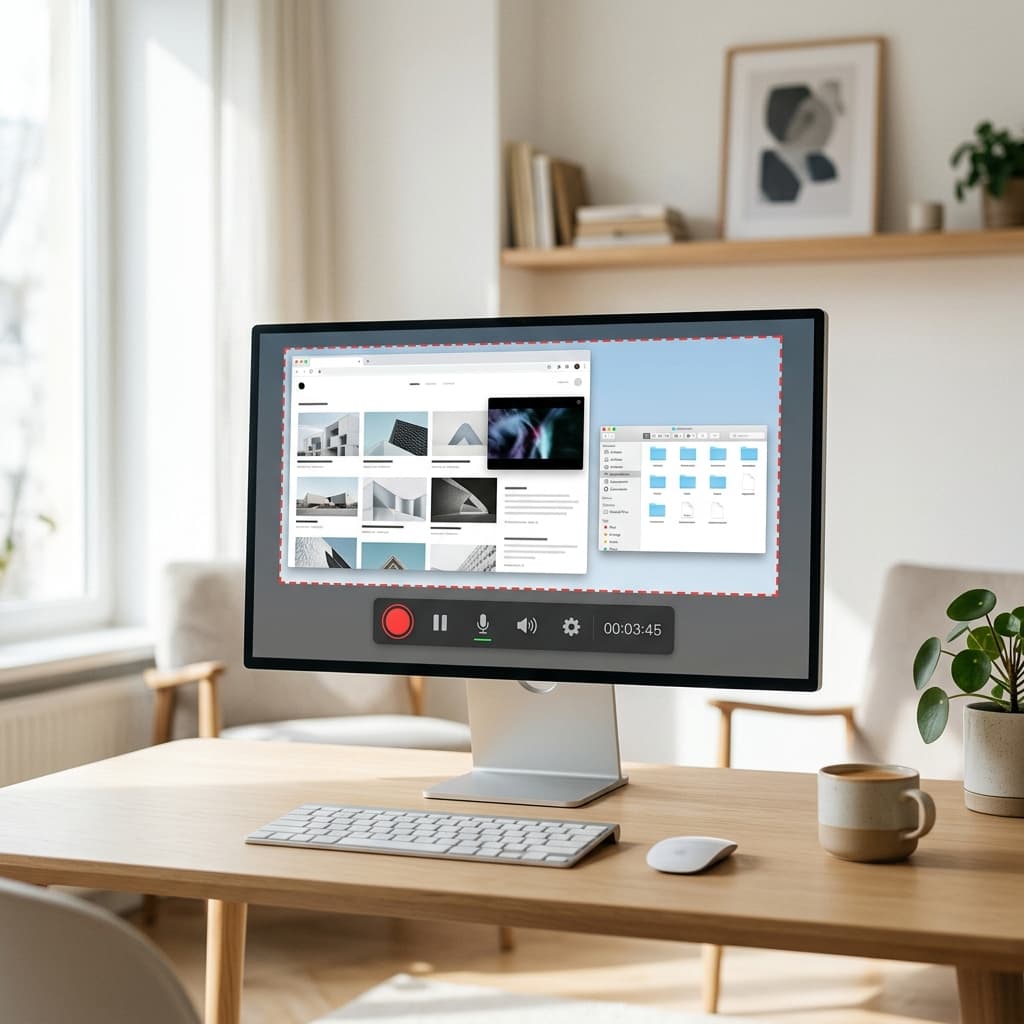
Transform raw Loom-style captures into paced, professional marketing videos. AI handles cuts, motion, and emphasis automatically.
Explore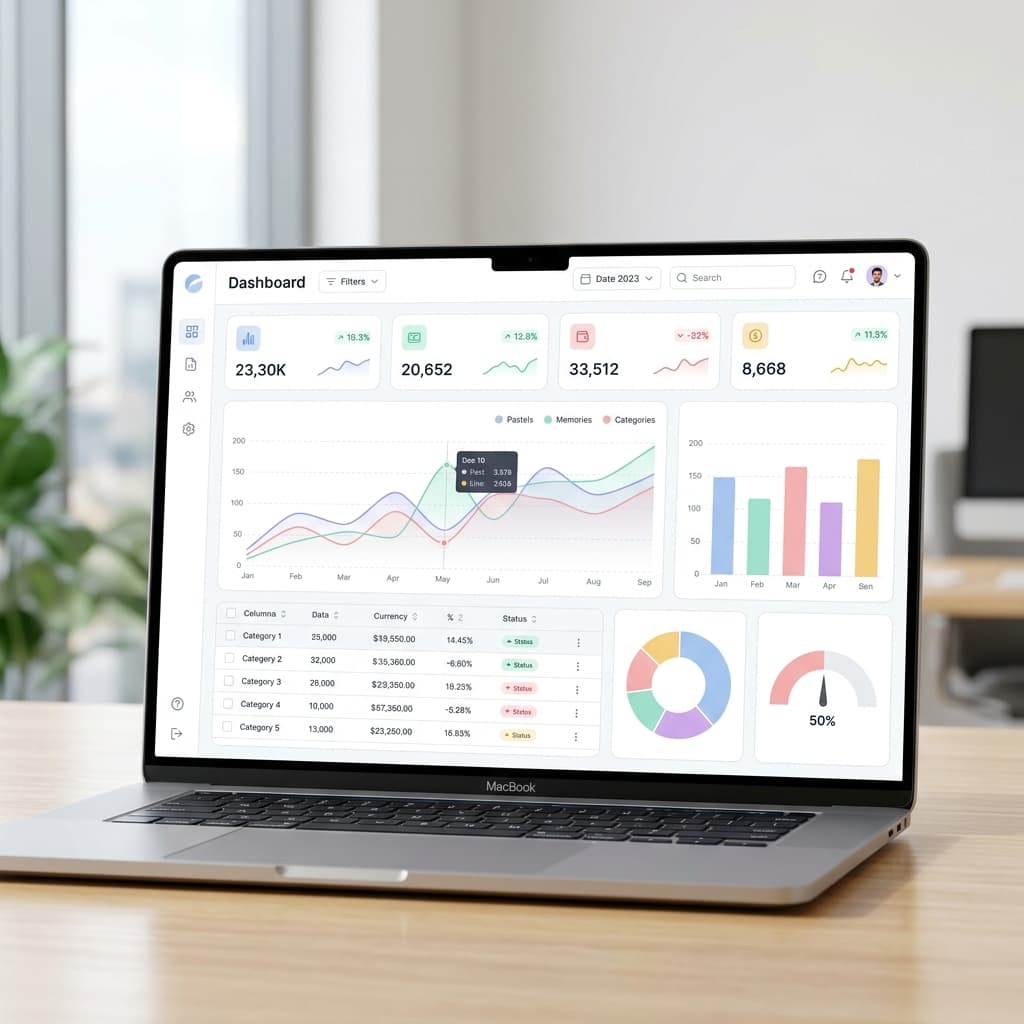
Animate dashboards, charts, and data visualizations for marketing by turning CSV metrics and UI screenshots into motion stories.
ExploreHear from the makers using Renimate.
“Renimate has cut our video production time by 80%. We can now test 5 different ad variations in the time it used to take to make one.”
“The kinetic transitions are indistinguishable from manual After Effects work. It's truly a game changer for product marketing.”

“Finally, an AI tool that actually understands layout and hierarchy. The walkthroughs it generates from screenshots are perfect.”

“We ship a new feature video every sprint now. The chat interface feels like briefing a senior motion designer.”
“Exports to Lottie saved our mobile team weeks. Marketing gets MP4; eng drops JSON straight into the app.”
“Brand kit integration means every render matches our Figma tokens. No more color drift between campaigns.”
“We A/B test hooks in an afternoon. What used to be a two-week agency loop is now same-day iteration.”
“The draft previews are scary fast. Stakeholders comment in Slack while the final 4K still renders.”
“Screen-to-motion accuracy is the best I've seen. It respects safe areas and real device frames.”
“Our team uses it for social cutdowns and full product stories. One tool instead of three subscriptions.”
“Compliance-friendly exports and clear asset handling made this an easy yes for our security review.”
“Localized copy variants in multiple languages without rebuilding timelines; huge for our EU launch.”
Our vision engine uses advanced segmentation models to identify buttons, cards, text fields, and navigation elements. It then maps these to motion-ready components automatically.
Start from a prompt that names your audience and outcome, attach product screenshots if you have them, and refine in chat. Renimate generates motion and pacing so you are not hand-keying timelines. Then export MP4 for your landing page or ads.
Yes. Use screenshot-guided workflows to highlight real UI, describe what to emphasize (metrics, flows, filters), and iterate in chat. Pair with chart animation when you need CSV or spreadsheet data in the same story.
Most teams use a wide hero clip (often 16:9) between thirty and ninety seconds with a single CTA, muted autoplay-friendly pacing, and legible type. Export the resolution that matches your embed—720p through 4K depending on plan.
Yes! We support MP4 for video, high-quality GIFs, and Lottie (JSON/dotLottie) for web and mobile app integrations.
Absolutely. You can upload your .woff2 or .ttf files to your brand kit, and Renimate will use them for all text renders in your videos.
Draft previews are available almost instantly (under 10 seconds). Final 4K renders typically take between 1 to 3 minutes depending on complexity.
Practical guides on SaaS video marketing, product demos, dashboard animation, and AI motion workflows.
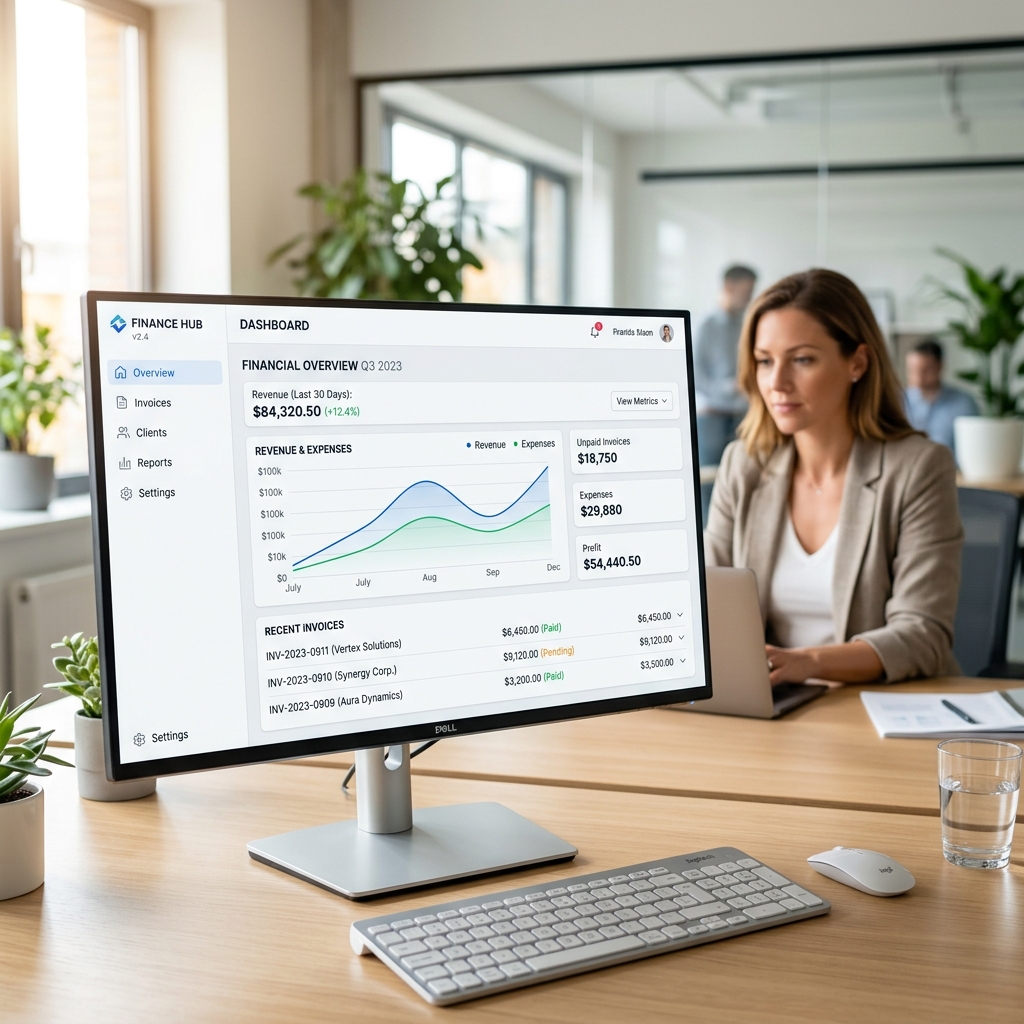
A breakdown of what you actually pay for when outsourcing your SaaS product videos, and how to bring motion design in-house.
Read article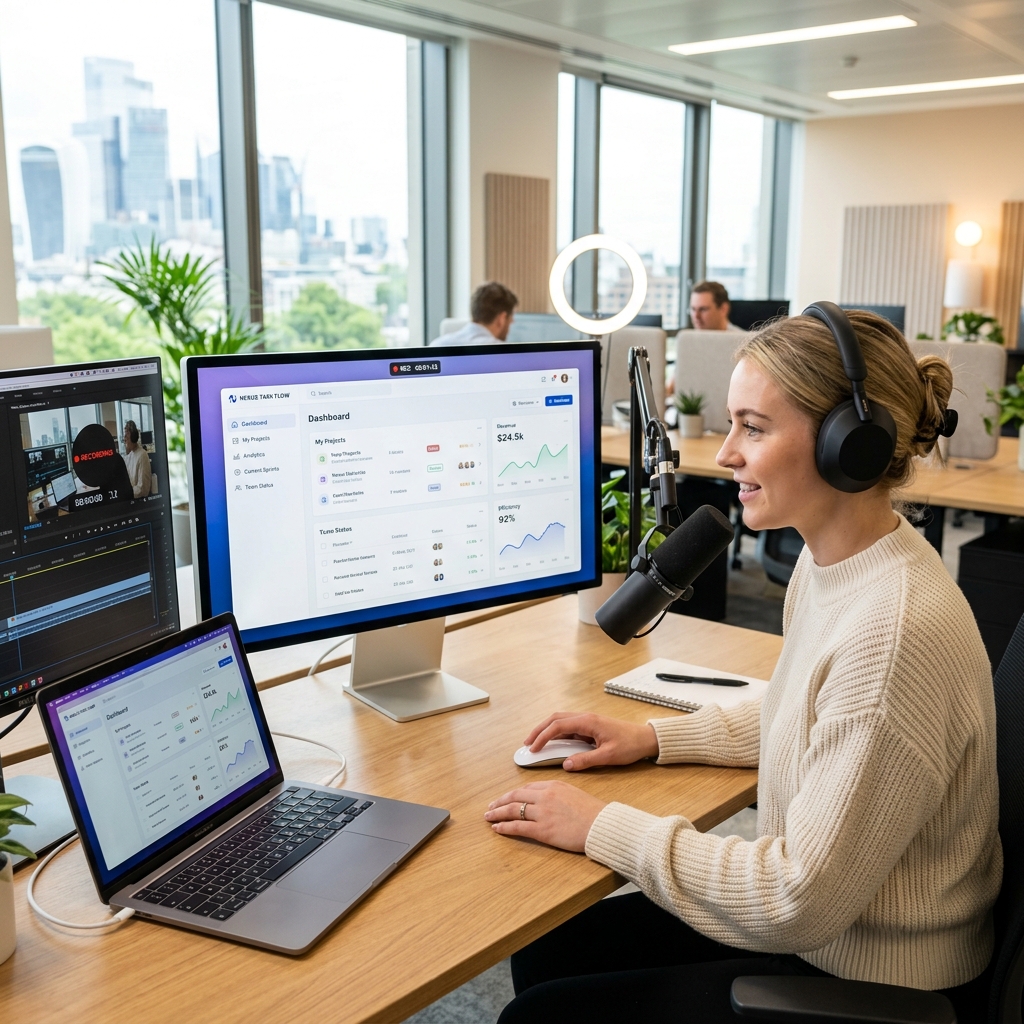
Step-by-step guide to writing, animating, and distributing product demos that drive signups instead of bounces.
Read article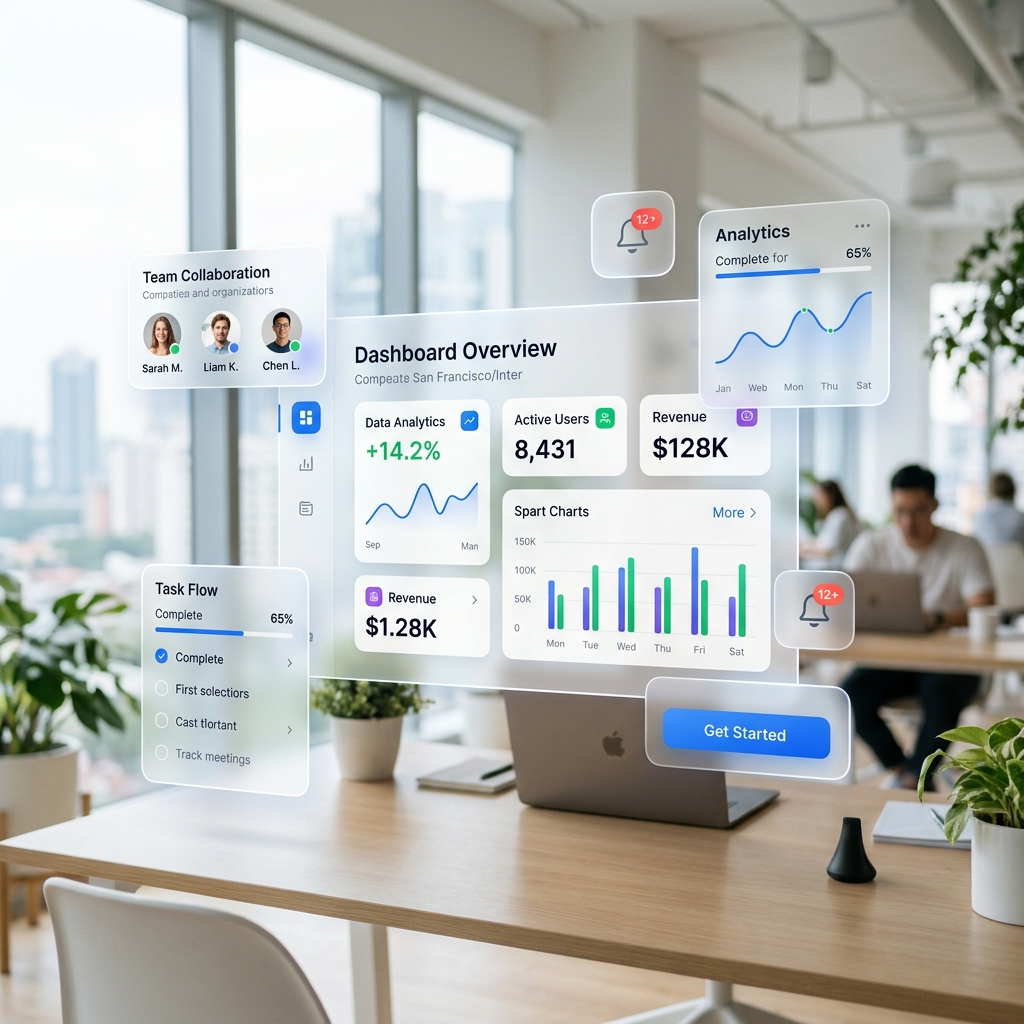
From glassmorphic reveals to spatial UI transitions, explore the motion design trends dominating top-tier SaaS companies.
Read article