Top UI animation trends for SaaS in 2026
From glassmorphic reveals to spatial UI transitions, explore the motion design trends dominating top-tier SaaS companies.
The death of linear easing
Modern UI animation relies entirely on custom bezier curves to create snappy, physical movement. If your UI slides linearly from point A to point B, it instantly looks dated. 2026 is all about 'spring' physics—interfaces that feel tactile and responsive.
Micro-interactions as branding
It's no longer just about the macro page transitions. The way a toggle switch bounces, or the way a success state sparkles, has become core to brand identity. Top SaaS companies are using these micro-interactions to inject personality into otherwise sterile B2B workflows.
Spatial UI and depth
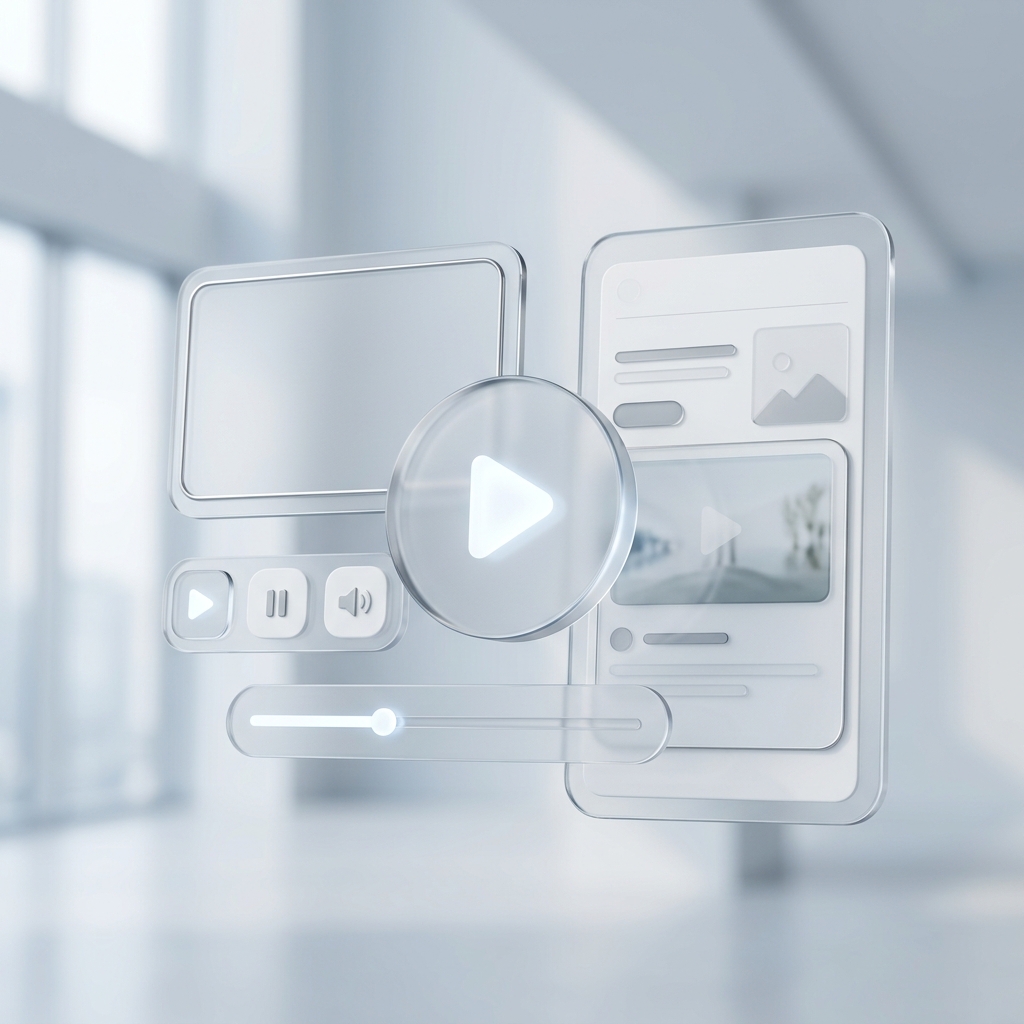
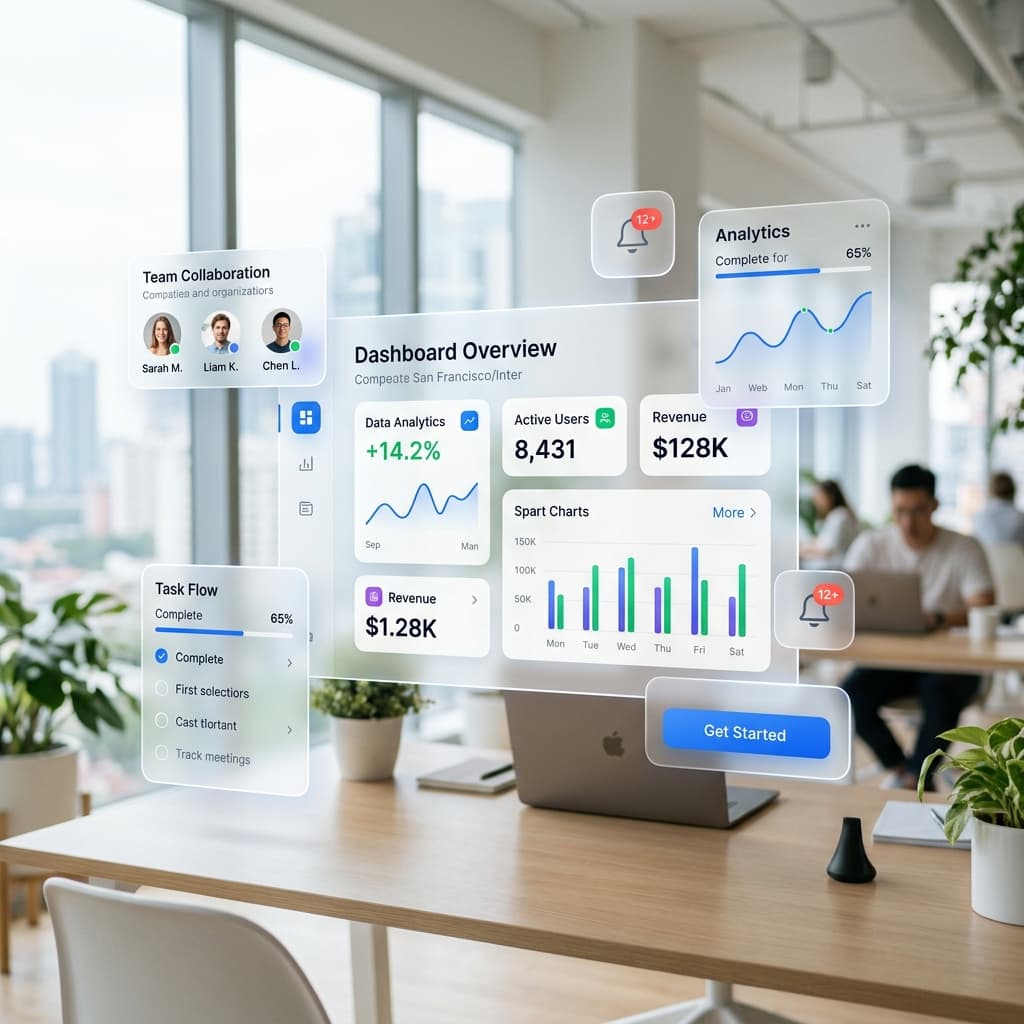
Flat design is evolving. We are seeing a massive resurgence in 3D depth, soft drop shadows, and glassmorphic overlays in UI videos. Animating elements along the Z-axis (coming out towards the viewer) creates a sense of hierarchy that flat design struggles to achieve.
Cinematic camera movements in standard UI
We are moving away from flat, orthographic screen recordings. The trend is now heavily skewed towards 3D camera sweeps that pan across a dashboard as if it were a physical landscape. This cinematic approach adds a premium, high-production value feel to even the most mundane administrative panels.
Data visualization as a storytelling tool
Charts are no longer static images. In 2026, data visualization in marketing videos requires dynamic staggering. A line chart shouldn't just appear; it needs to draw itself organically over time. Bar graphs need to stagger their entrance, allowing the viewer to process the data scale intuitively.
AI-generated dynamic components
The biggest shift is how these animations are produced. Rather than a motion designer keyframing every element, AI engines now understand the semantic structure of a UI component. You simply pass an SVG or a screenshot, and the AI automatically isolates the text, buttons, and backgrounds, applying physically accurate motion presets instantly.
Ready to try it yourself?
Start building your next marketing video in minutes. Describe your goal, attach your assets, and let AI handle the motion.
Generate your video