The faster way to animate UI—no keyframes required
After Effects is the industry standard for professional motion design, but it has a steep learning curve. Renimate is purpose-built for product marketers who need high-quality SaaS videos fast, replacing complex timelines with intuitive chat prompts.
Stop fighting the timeline
In After Effects, a simple UI zoom requires manually setting keyframes, easing curves, and managing dozens of layers. Renimate understands UI components natively—just ask it to 'zoom in on the analytics chart' and it handles the timing and easing automatically.
- Chat-based interface instead of complex panels
- Automatic easing and pacing
- Zero motion design experience needed
Purpose-built for product marketing
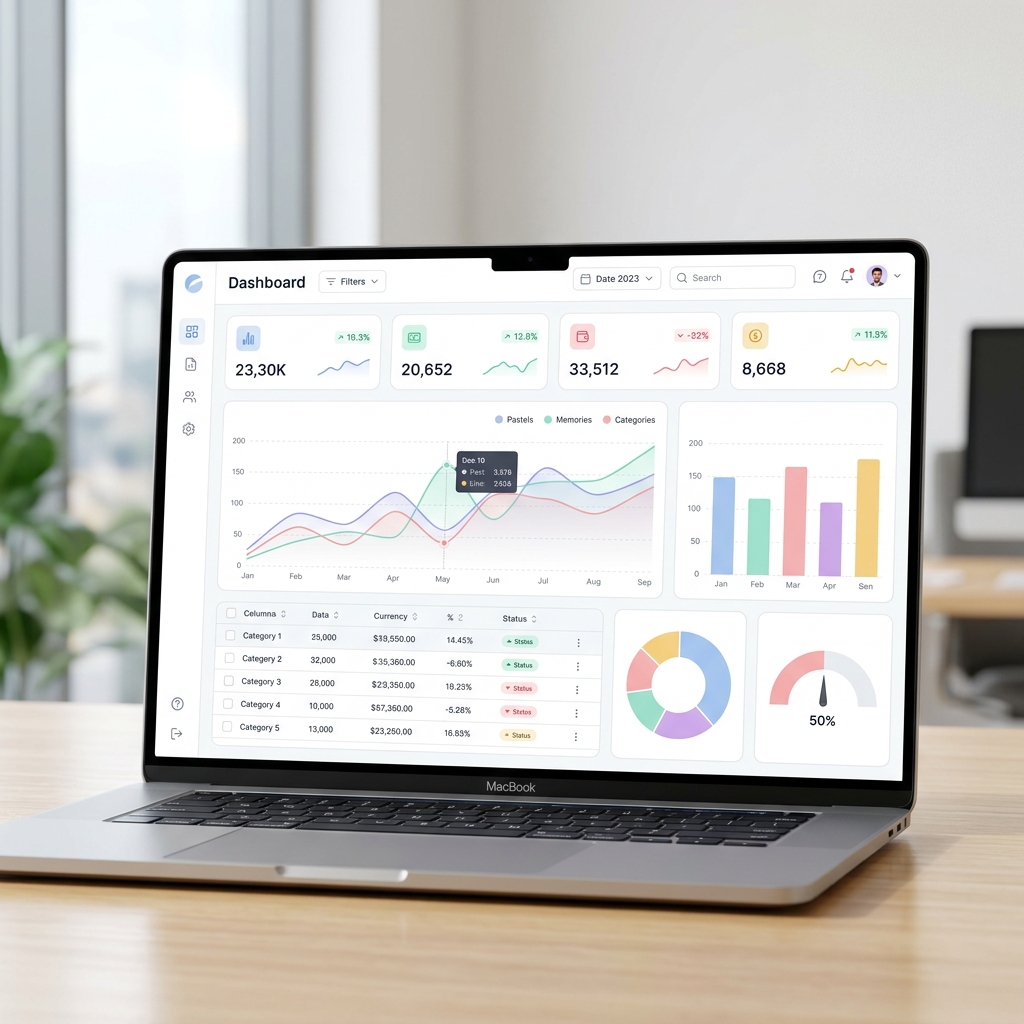
While After Effects can do anything from VFX to character animation, Renimate is hyper-focused on SaaS. It automatically recognizes dashboards, buttons, and cursors in your screenshots, making it uniquely suited for creating product demos and launch videos. No need to install massive software suites or manage huge project files.
- Native understanding of UI elements
- Built-in device mockups and backgrounds
- Optimized for social and landing page formats
Real-time iteration loops
Waiting for RAM previews in After Effects kills momentum. Renimate renders your changes in the cloud almost instantly. When marketing asks for a different background color or a slightly faster transition, you can execute the change via chat and have the final render in seconds.
- Instant cloud-based rendering
- No heavy local hardware required
- Frictionless team collaboration
Version control for UI changes
When your SaaS product gets a redesign, updating an After Effects project is a nightmare of replacing nested pre-comps. In Renimate, simply swap the old screenshot for the new one, and the AI automatically reapplies the exact same motion path to the updated UI.
- Future-proof your video assets
- Painless UI updates
- Maintain visual consistency
Frequently Asked Questions
Can I export from Renimate to After Effects?
Currently, Renimate exports finished MP4s, GIFs, and Lottie files. While we don't export AEP project files, our high-quality 4K renders can be dropped right into Premiere or After Effects if you need to integrate them into a larger project.
How much faster is Renimate?
Most users report creating in 5 minutes what would take 3-4 hours in After Effects. Because the AI handles pacing, spatial awareness, and easing curves, you skip the most time-consuming, technical parts of the animation process.
Do I need a powerful computer to run Renimate?
No. Unlike After Effects which requires massive amounts of RAM and a dedicated GPU, Renimate runs entirely in your browser. All the heavy lifting and rendering is done on our cloud servers.
Can I import my own vector assets?
Yes, you can upload SVGs, PNGs, and custom fonts. Renimate treats your uploaded SVGs as crisp vector layers, ensuring they stay perfectly sharp regardless of how much the AI zooms in on them.
Switch to the faster way
Start building your next marketing video in minutes. Describe your goal, attach your assets, and let AI handle the motion.
Generate your video