How to make a product demo video that actually converts
Step-by-step guide to writing, animating, and distributing product demos that drive signups instead of bounces.
Start with the problem, not the UI
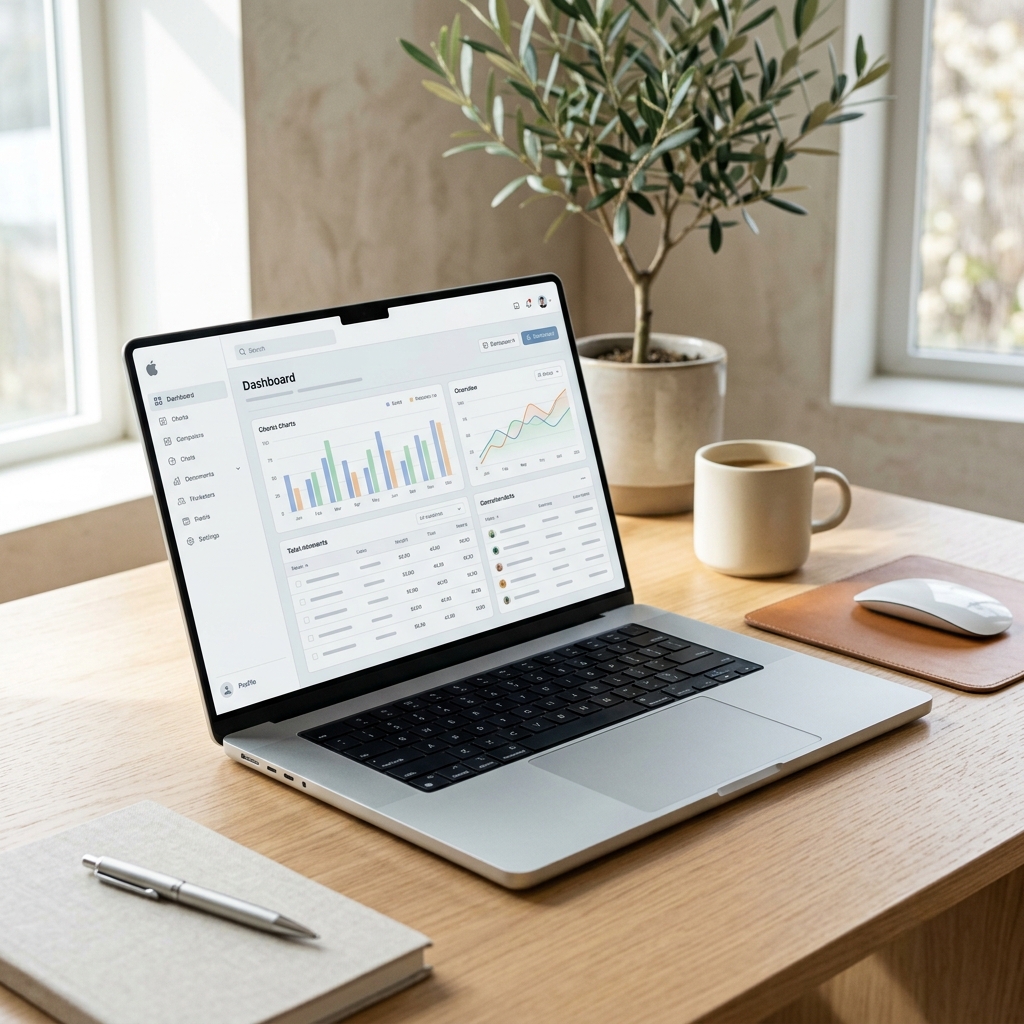
The biggest mistake PMMs make is showing off buttons before explaining why the viewer should care. Always start your video by agitating the core problem. If your software saves time on payroll, open with the headache of manual data entry before revealing your sleek, automated dashboard.
Keep it under 90 seconds
Attention spans are brutal. If your demo takes 5 minutes to explain the value, you've lost 80% of your audience. Focus on the 'aha' moment. You don't need to show them how to configure their account settings; show them the magic moment that makes your product worth buying.
Use motion to guide the eye
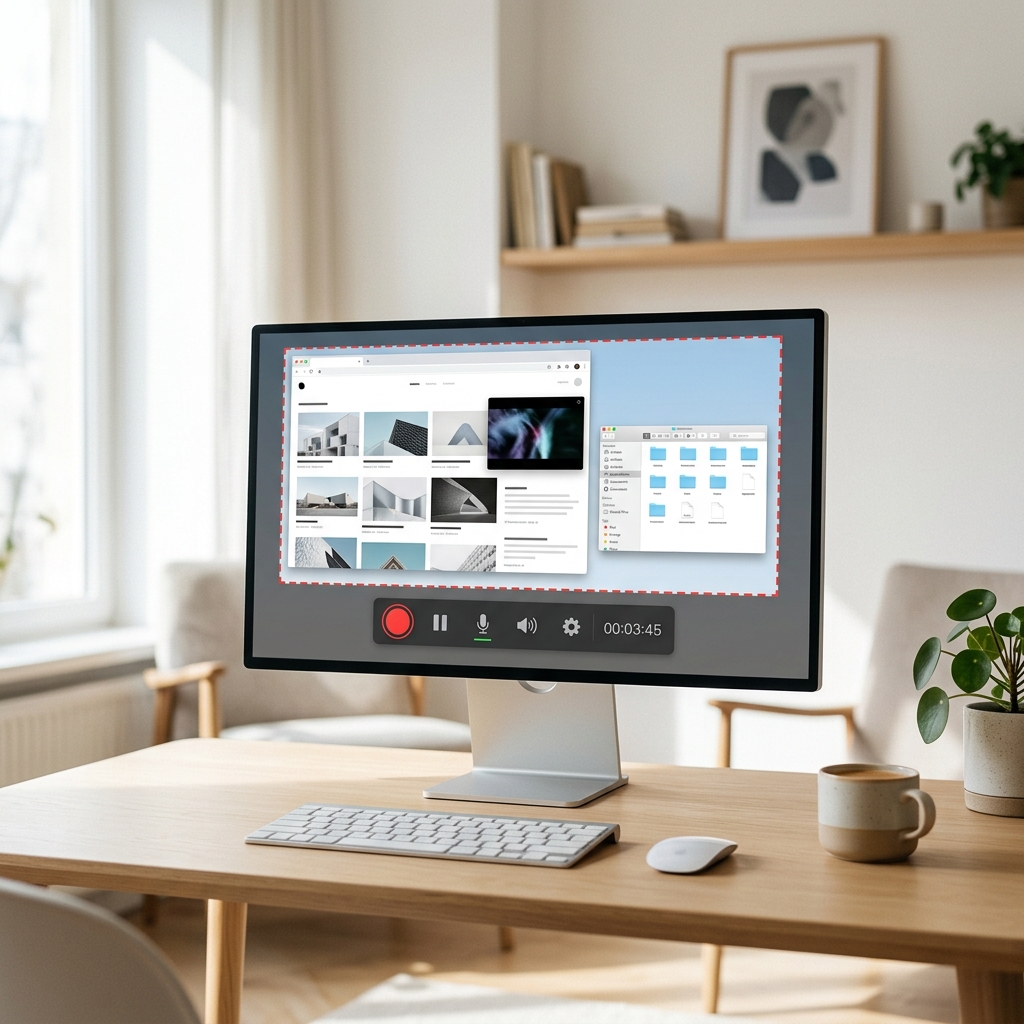
Don't just screen record a frantic mouse cursor clicking around. Use targeted motion graphics to zoom in on important data points, animate transitions smoothly, and blur out irrelevant background information. Renimate's auto-focus tools make this process trivial.
The power of kinetic typography
Since 85% of social media videos are watched without sound, relying entirely on a voiceover is a massive conversion killer. Integrate bold, kinetic typography directly into your demo to emphasize key value propositions. When the text animates in sync with the UI, the message becomes impossible to ignore, even on mute.
A/B testing your messaging
A demo video shouldn't be a static asset. Because AI-powered platforms like Renimate allow for rapid iteration, you should be exporting 3 to 4 variations of your demo with different hooks and text overlays. Run these variations against each other in paid social campaigns to see which specific pain points drive the highest click-through rates.
Distributing your demo effectively
Don't just bury your new video on a generic features page. Slice it up into 15-second micro-demos for LinkedIn, embed the full version directly above the fold on your primary landing page, and include a GIF of the best moment in your onboarding emails. Maximize your reach by tailoring the format to the channel.
Ready to try it yourself?
Start building your next marketing video in minutes. Describe your goal, attach your assets, and let AI handle the motion.
Generate your video