How to animate a dashboard screenshot for marketing
A practical workflow: from static analytics UI to short motion for landing pages and social—without rebuilding your product in After Effects.
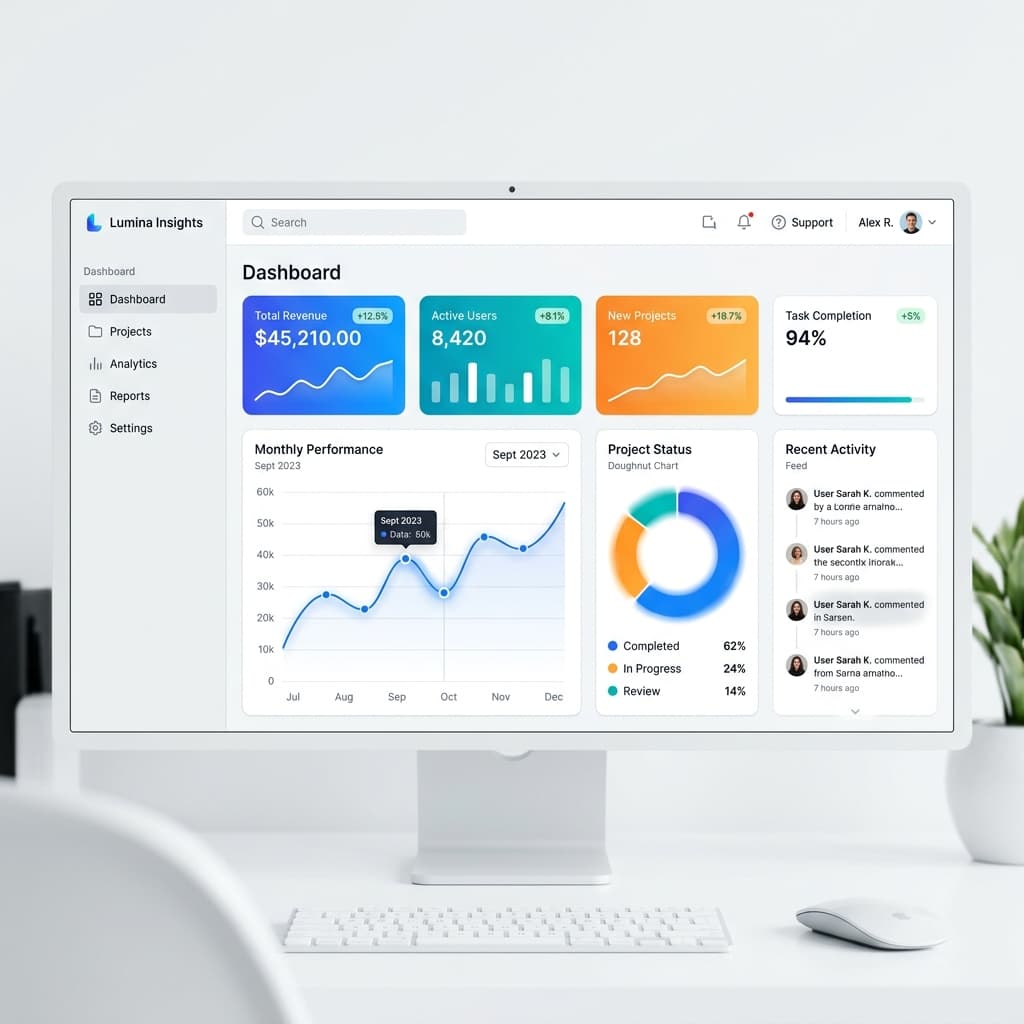
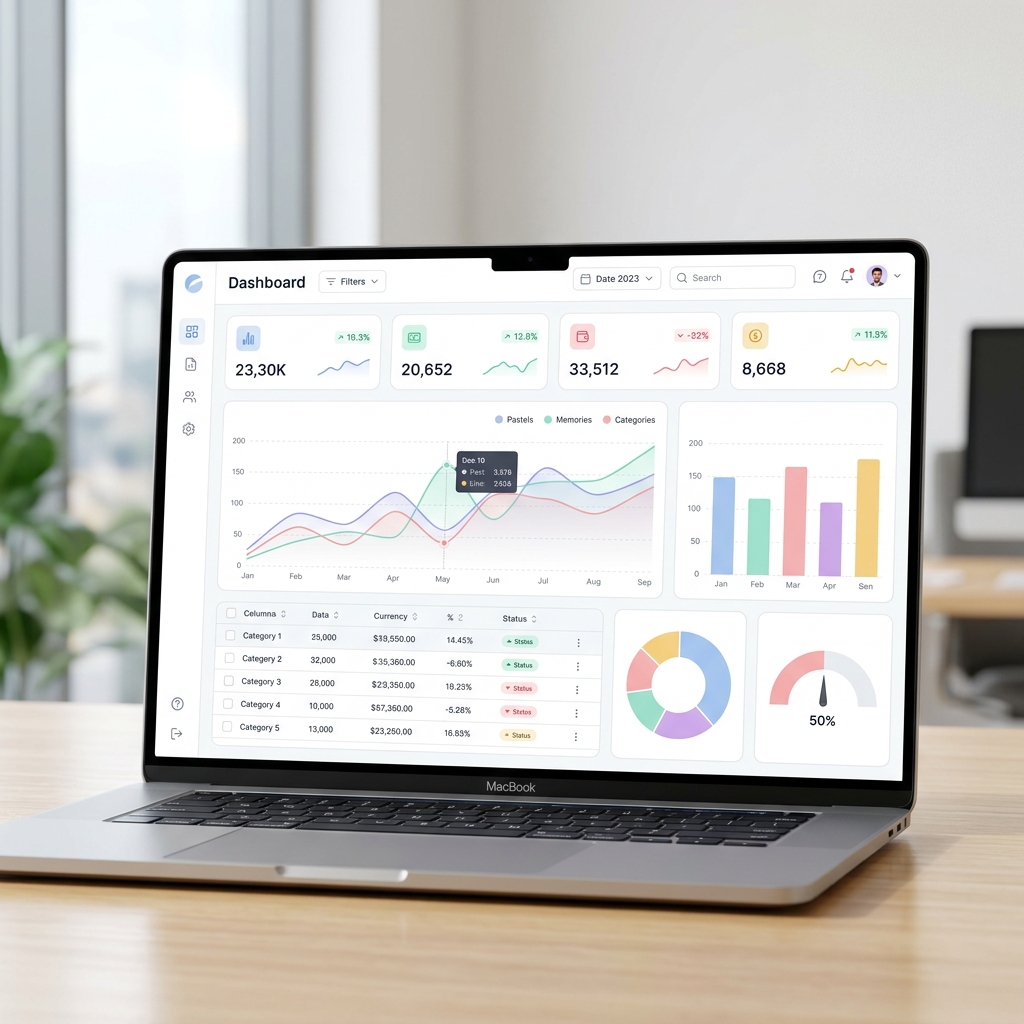
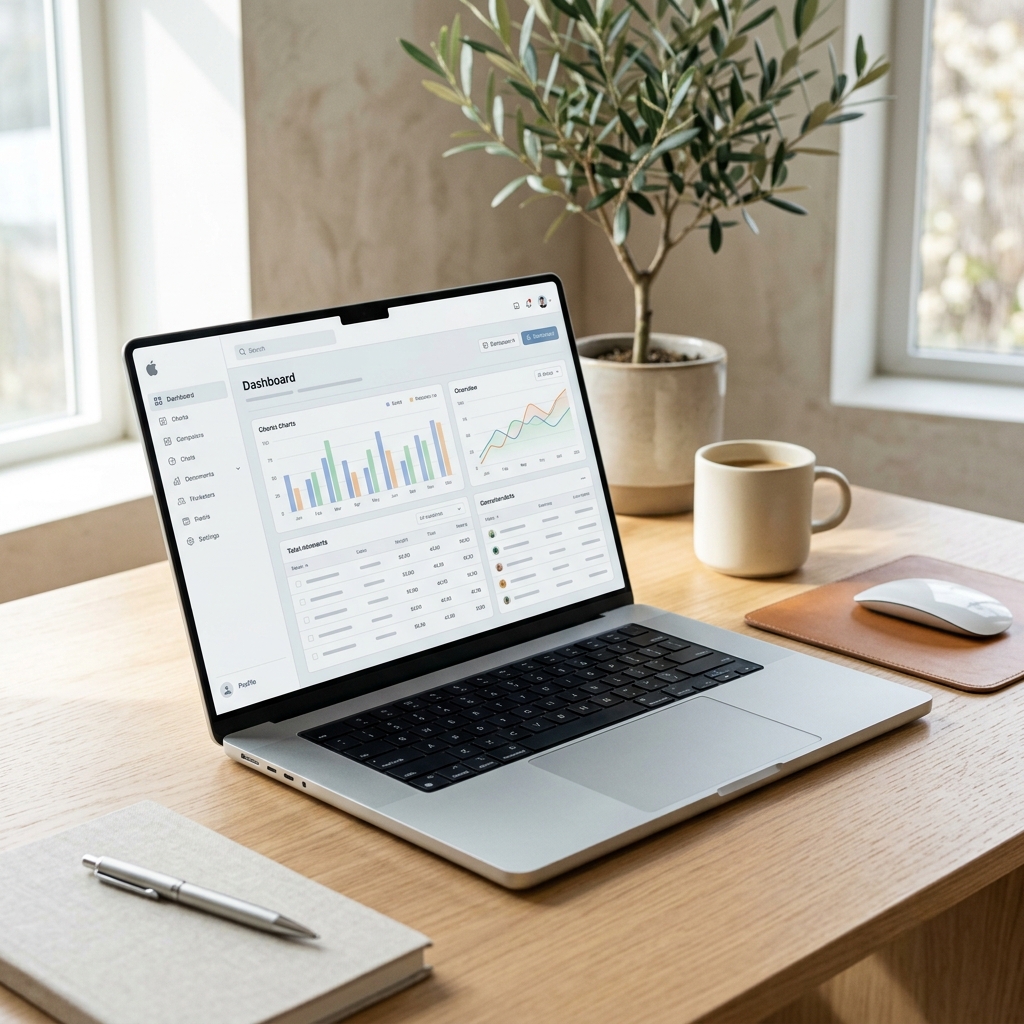
Dashboard screenshots are proof that your product is real—but flat frames under-sell the story. Motion helps viewers parse hierarchy, follow a metric, and understand why your UI matters. The goal is not Hollywood effects; it is clarity in fifteen to forty-five seconds.
Start with one insight
Pick a single takeaway before you animate: a quarter-over-quarter lift, a funnel drop-off you fix, or a workflow that saves hours. Your animation should guide the eye to that insight. If you try to show every widget, viewers bounce before the punchline.
Use real UI, not mocks
Credibility comes from authentic chrome: filters, tabs, and data density. Tools like Renimate are built to respect screenshots so motion reinforces the actual product. Describe pacing in plain language—what highlights first, what follows, where the viewer should look.
The role of micro-interactions
Don't just move large panels. Emphasize micro-interactions like a button hover state, a subtle skeleton loader, or a satisfying checkmark animation. These minute details make the static UI feel alive and responsive, bridging the gap between a picture and a functional tool.
Optimizing for mobile viewers
A dashboard designed for a 4K monitor will be unreadable on a smartphone screen. Use targeted zooming and smooth panning to ensure critical data points are legible. A well-executed camera move directs the viewer's attention exactly where you want it, significantly boosting conversion rates for mobile traffic.
Export for the channel
Landing heroes favor wide aspect ratios and slower pacing. Social needs safe margins and legible type at small sizes. Export the same narrative twice with adjusted prompts rather than one compromise cut that works nowhere.
Ready to try it yourself?
Start building your next marketing video in minutes. Describe your goal, attach your assets, and let AI handle the motion.
Generate your video