Data visualization techniques for LinkedIn and Twitter
Stop posting screenshots of Excel. Learn how to animate your data to stop the scroll on B2B social media.
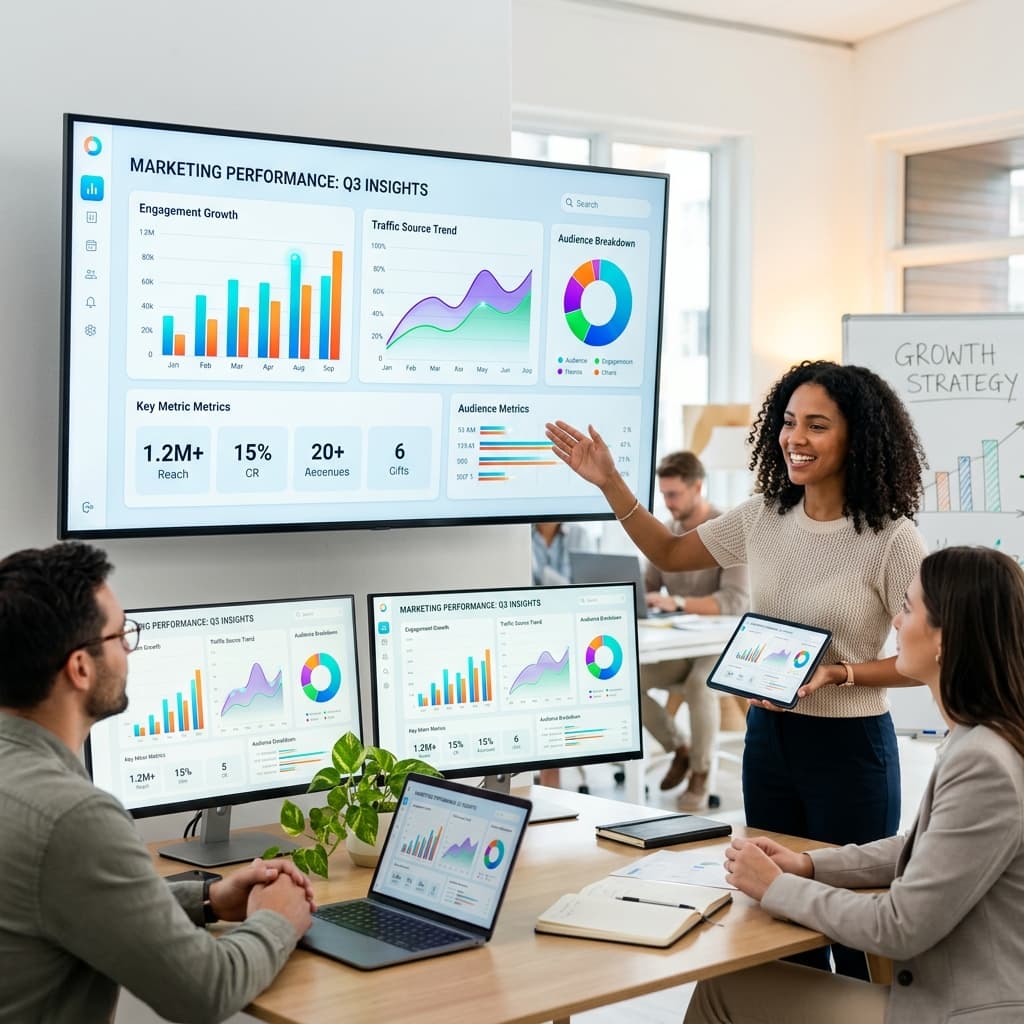
Design for the feed
LinkedIn videos are often watched on mute, on a small mobile screen. Your data animations must be bold, high-contrast, and instantly readable within the first 3 seconds. Avoid tiny font sizes and complex legends.
One insight per video
Don't try to cram an entire Q3 financial report into a single 15-second social video. Choose the single most impressive metric—like a 300% growth in user adoption—and build an animation entirely around revealing that specific number.
The importance of high contrast and accessibility
When compressing video for social media platforms, subtle color gradients and thin lines get destroyed by aggressive bit-rate reduction. Ensure your charts use high-contrast, brand-safe colors. A thick, glowing line graph against a dark background will survive Twitter's compression algorithm much better than a delicate pastel design.
Using motion to reveal trends
A static chart shows data; an animated chart tells a story. Use motion to reveal the timeline of your data. If you're showing month-over-month growth, let the bar graph rise sequentially. This builds anticipation and guides the viewer's eye exactly to the final, impressive conclusion you want them to reach.
Hooking the viewer in the first 3 seconds
The scroll is merciless. If your video starts with a slow fade-in of your company logo, the viewer is already gone. Start the animation immediately. Use a massive, kinetic typography hook—like 'Why SaaS growth is stalling in Q3'—that snaps onto the screen before the underlying data chart even finishes animating.
Platform-specific export settings
One size does not fit all. A wide 16:9 video looks tiny on a mobile feed. Export your data visualizations in a 4:5 vertical ratio for Instagram and LinkedIn, and a 1:1 square ratio for Twitter. AI tools make it trivial to re-frame and re-export the same animation across multiple aspect ratios without manual cropping.
Ready to try it yourself?
Start building your next marketing video in minutes. Describe your goal, attach your assets, and let AI handle the motion.
Generate your video